
process · tools · front-end
IntelliJ IDEA Dark Theme
July 1, 2012 · 4 min
For whatever reason, dark IDE themes are all the rage these days. Somewhat surprisingly, there aren’t a lot of great options available for IntelliJ IDEA. So, I decided to make one.
Here’s what it looks like:
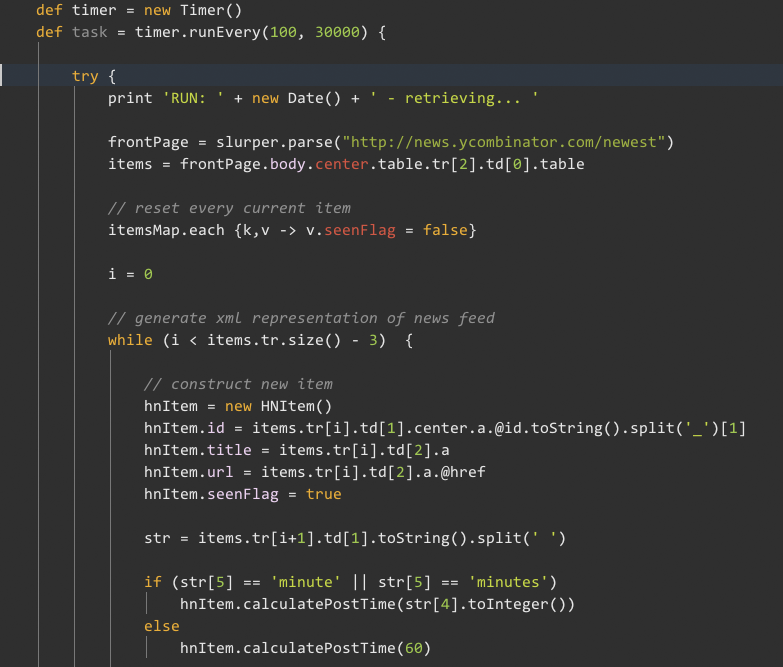
You can get the theme on gitHub.
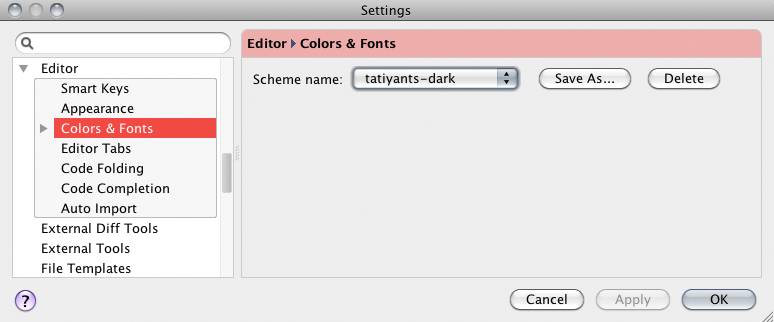
To install, just copy it to the colors folder under your IDEA install (on my Mac it was under /user/Library/Preferences/IdeaIC11/colors). Then go to Preferences/Editor/Colors & Fonts and select it:
Feel free to tweak it as you see fit!